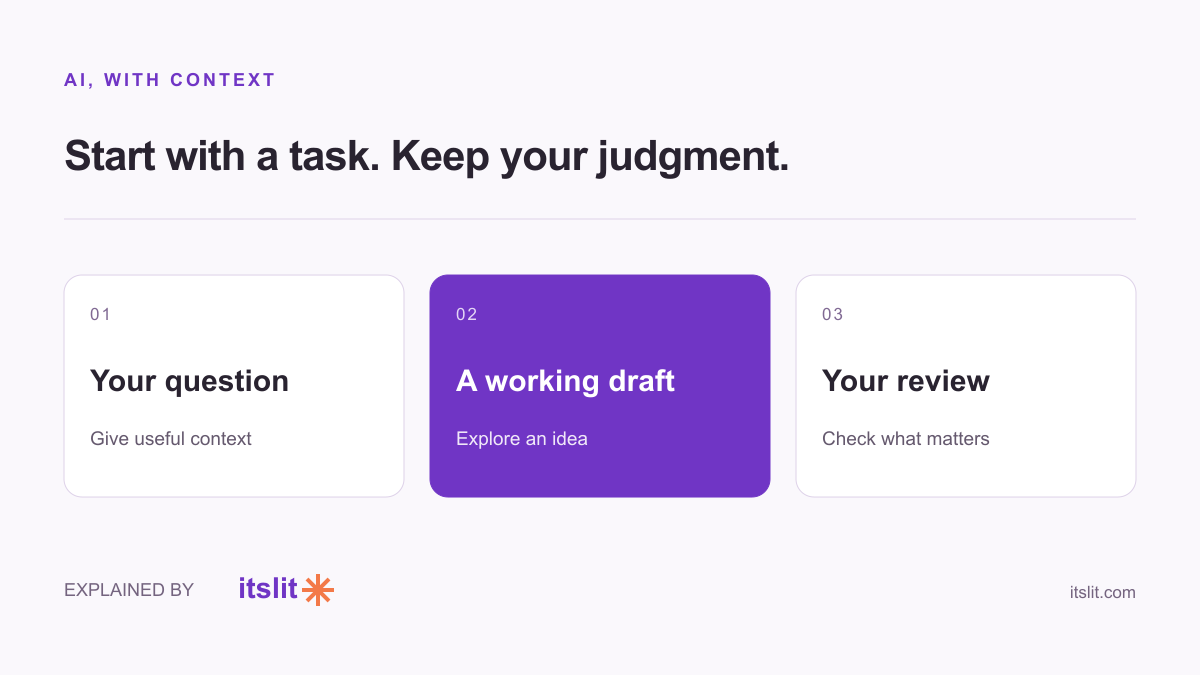
Claude is an AI assistant made by Anthropic. You can use it to work with text, explore ideas, explain topics and help with code. The useful starting question is less “What can AI do?” and more “Which part of my task needs a first draft?”
What kinds of work does it help with?
Anthropic's Claude use-case guide lists writing, summarization, learning, coding, brainstorming, translation and image analysis. Those are capabilities, not guarantees that every answer will be accurate or suitable for your purpose.
A practical first exercise is to supply a short piece of your own writing and request a clearer version. Because you know the intended meaning, you can spot whether the rewrite improved the wording or changed the substance.
Give it a task you can evaluate
Try a bounded request such as: Turn these notes into a friendly invitation under 120 words. Keep the date and address exactly as written. Ask me about missing details instead of inventing them.
This is an example prompt, not a tested result. It gives you an immediate checklist: length, tone, preserved facts and missing information. “Make it better” leaves considerably more room for a result you did not want.
For a learning task, ask for an explanation followed by one question that checks your understanding. For brainstorming, request several genuinely different approaches and a drawback for each. The follow-up conversation can be more useful than the initial list.
What should you review yourself?
Read any output before sending or publishing it. In a summary, compare the conclusion with the original. In a translation, get a qualified reader for wording that matters. In code, review and test the change before relying on it.
These are editorial recommendations, not a claim that we benchmarked Claude. Keep private material out of a trial prompt unless you have checked the applicable account settings and are entitled to share it.
Choose a useful first project
Pick something small: organizing your own workshop notes, outlining a hobby project, or rewriting an announcement. Tell Claude the audience, the desired format and the facts it must preserve.
Then judge the output against your actual goal. Did the announcement get clearer? Did the outline reveal a missing step? Starting there helps you decide whether the tool belongs in your routine without buying into a sweeping promise about what AI will do for everyone.
Keep exploring: Check an AI citation · Why confidence is not evidence.